
OptiConnect
OptiConnect turns industrial video and ordered image sets into a governed review-and-remediation workflow. Teams annotate or confirm anomalies, capture context by voice or text, accept or revise evidence-grounded fixes, and publish client-ready reports while every decision produces training data for the next model cycle.
From footage to grounded action
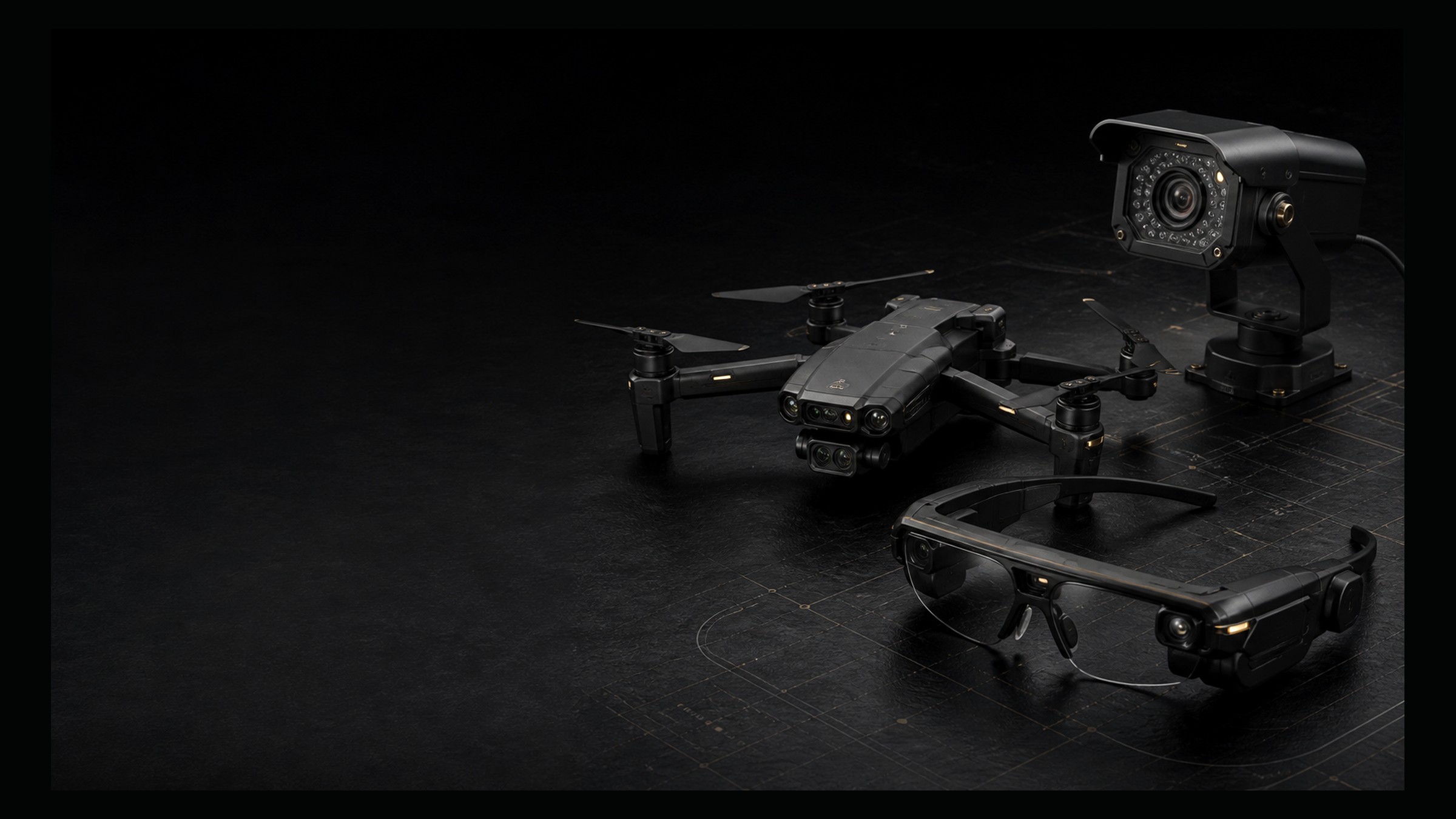
- •Ingest inspection video or ordered image sets from drones, wearables, CCTV, phones, or uploads.
- •Review frames, mark or confirm anomalies, and capture context by voice or text.
- •Accept or revise evidence-grounded remediation, then publish the report and audit trail.
Fits your inspection workflow
Integration
- •Configure a Domain Profile for taxonomy, severity, locations, remediation, and reports.
- •Connect project, asset, storage, and work tools through APIs.
- •Export observations, screenshots, annotations, and decisions as reusable training data.
Deployment
- •Start with one inspection domain and configure its taxonomy, severity, and remediation rules.
- •Deploy as a review workspace, API service, or embedded capability inside an existing field application.
- •Extend into additional inspection domains as evidence and operating requirements are validated.
A walkthrough on your media
- 1
Bring inspection footage or an ordered photo set from your own workflow.
- 2
Review the media, mark an anomaly, capture context, and confirm a grounded remediation.
- 3
Generate the final report, evidence package, audit trail, and structured data export.
Evidence you can hand to clients
- •Annotated inspection evidence package from your selected media.
- •Remediation report with supporting references and assigned action.
- •Decision history, audit trail, and reusable structured observations.
- •Domain profile and pilot scope with acceptance criteria.
Ready to try OptiConnect?
Bring inspection footage, a photo set, or a visual QA workflow. We will show how OptiConnect turns it into structured findings, grounded action, and client-ready evidence.
Human review and approval remain configurable at every decision point in the inspection workflow.